Creating a home office space that is both comfortable and productive can significantly improve your work-from-home experience. With many people continuing to work remotely or on hybrid schedules, having a dedicated and well-thought-out area is essential. This guide will provide practical tips to help you design a workspace that encourages focus, comfort, and efficiency.
Choose the Right Location
Consider natural light
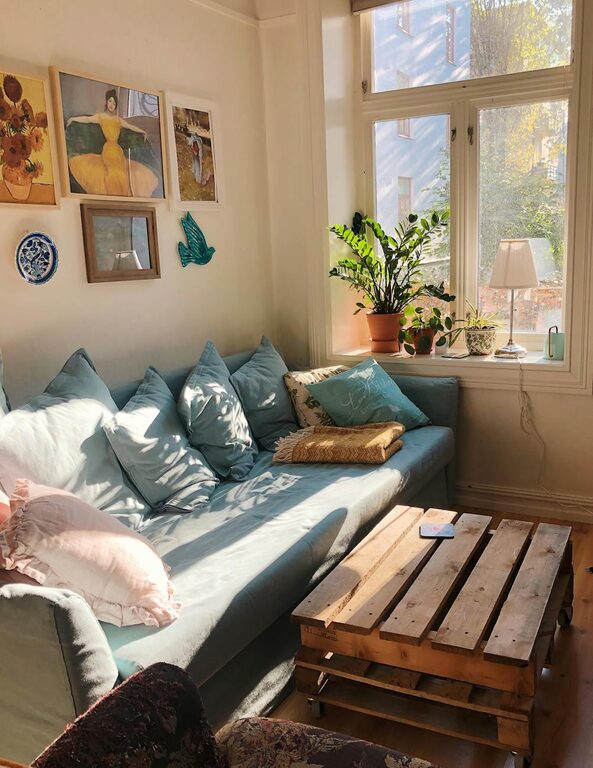
A spot near a window that offers plenty of natural light can boost your mood and reduce eye strain. If natural light is limited, invest in quality lighting to emulate daylight.
Assess noise levels
Pick a quiet area where distractions are minimal. If this isn’t possible, noise-cancelling headphones or soundproofing measures can help maintain concentration.
Invest in Comfortable Furniture
Select an ergonomic chair
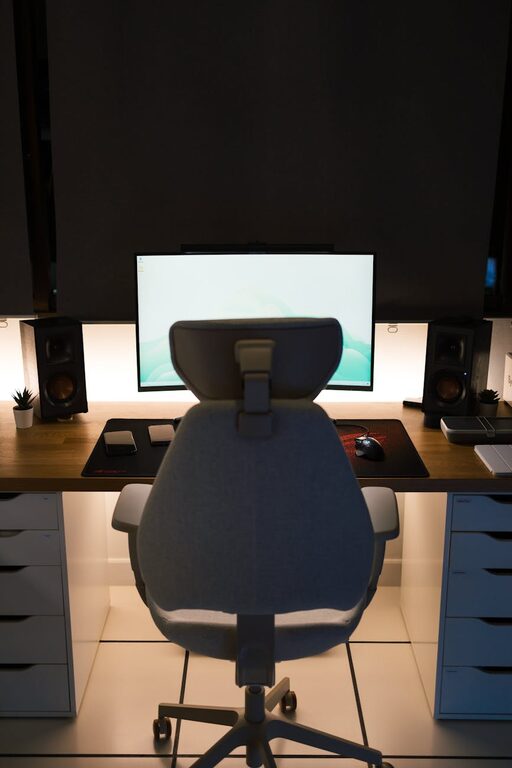
A supportive chair helps maintain good posture and reduces back pain. Look for adjustable height, lumbar support, and a comfortable seat cushion.
Use a suitable desk
Your desk should offer enough surface area for your computer, paperwork, and any other tools. Consider adjustable or standing desks to vary your posture throughout the day.
Organise Your Workspace Efficiently
Declutter regularly
A tidy desk reduces stress and makes it easier to focus. Remove unnecessary items and keep only essentials within reach.
Use storage solutions
Shelving, drawers, and organisers help keep papers and supplies neatly stored but accessible. Label boxes or folders for easy navigation.
Optimise Technology and Equipment
Ensure reliable internet
A strong and stable internet connection is vital for smooth video calls and online tasks. Consider upgrading your router or using wired connections if needed.
Position your screen correctly
Your monitor should be at eye level and about an arm’s length away. This helps avoid neck strain and promotes better posture.
Personalise Your Space Thoughtfully
Add plants
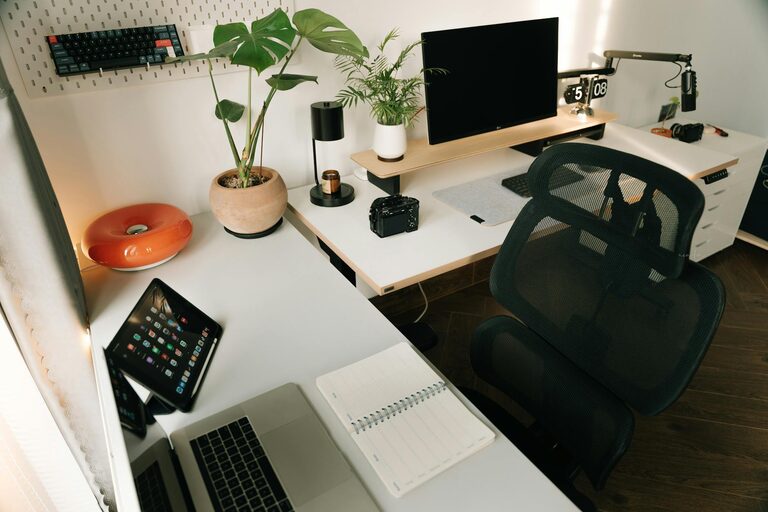
Indoor plants not only brighten the space but can improve air quality and reduce stress.
Choose calming colours
Soft, neutral tones create a relaxing environment, while pops of colour can inspire creativity. Avoid overly bright or distracting patterns.
Maintain Work-Life Balance
Set clear boundaries
Keep your office space separate from living areas when possible. This helps your brain distinguish between work time and relaxation.
Create a routine
Start and end your working day at consistent times to maintain a healthy daily rhythm.
Prioritise Comfort and Health
Take regular breaks
Stand up, stretch, or take a short walk every hour to avoid stiffness and maintain energy levels.
Manage screen time
Follow the 20-20-20 rule: every 20 minutes, look at something 20 feet away for at least 20 seconds to reduce eye fatigue.
Keep Air Quality and Temperature Comfortable
Ventilate your space
Open windows periodically or use air purifiers to maintain fresh air circulation.
Control room temperature
Ensure your office is neither too hot nor too cold, using fans, heaters, or air conditioning as needed.
—
By considering these elements, you can create a home office environment that supports your well-being and productivity. Remember, the best workspace is one tailored to your personal needs and work style. Take time to adjust your setup as necessary, so it remains a pleasant place to work each day.