Setting up a home workspace that promotes both comfort and productivity is essential for anyone working remotely or spending significant time at home on work-related tasks. A well-designed space not only supports your physical health but also helps maintain focus and motivation throughout the day. In this post, we’ll explore practical tips to help you create a home workspace that suits your needs and enhances your work routine.
Choosing the Right Location
The first step in designing your home workspace is selecting the ideal location. Consider the following:
– Quiet Area: Pick a spot with minimal distractions and noise to help maintain concentration.
– Natural Light: Locations near windows provide natural light, which improves mood and energy levels.
– Space Availability: Ensure there is enough room for your desk, chair, and necessary equipment without feeling cramped.
If space is limited, a corner or an unused part of a room can be transformed effectively with some creativity.
Investing in Ergonomic Furniture
Comfort is key to productivity, especially if you spend long hours working. Ergonomic furniture supports good posture and reduces the risk of physical strain.
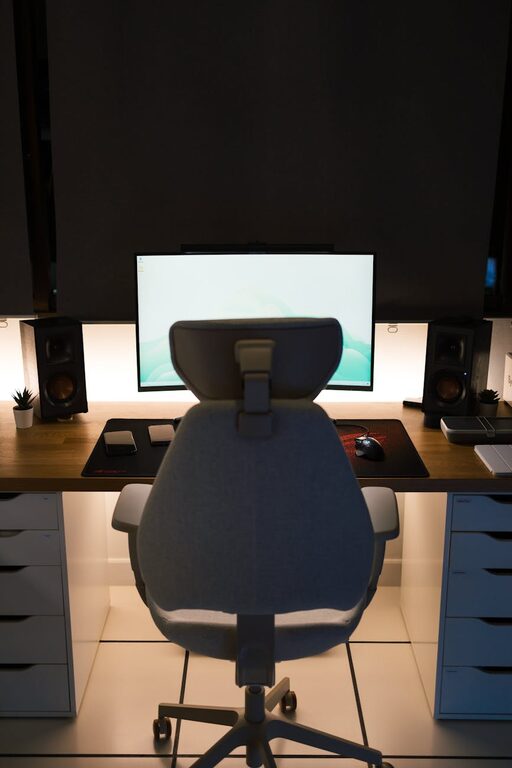
– Chair: Choose an adjustable office chair that supports your lower back and promotes correct posture.
– Desk: A desk of suitable height prevents hunching and allows comfortable positioning of your arms and wrists.
– Monitor Placement: Position your computer screen at eye level to avoid neck strain.
If possible, consider a sit-stand desk to alternate between sitting and standing during the day, which can benefit circulation and energy levels.
Lighting: Balancing Natural and Artificial Sources
Good lighting reduces eye strain and helps maintain alertness.
– Natural Light: Position your desk near a window but avoid glare directly on your screen.
– Task Lighting: Use a desk lamp to provide focused light on your work area, especially during darker hours.
– Ambient Lighting: Soft overhead lighting complements task lighting for an evenly lit room.
Using bulbs with a daylight or cool white colour temperature can mimic natural light and help keep you alert.
Organising Your Workspace
An organised workspace minimizes distractions and saves time.
– Declutter: Keep only essential items on your desk to foster focus.
– Storage Solutions: Use shelves, drawers, or boxes to store supplies neatly.
– Cable Management: Use clips or cable organisers to prevent cords from tangling.
Regularly tidy your workspace at the end of the day to maintain organisation.
Minimising Distractions
To boost productivity, reduce potential distractions:
– Noise Control: Use noise-cancelling headphones or soft background music if needed.
– Phone Management: Put your phone on silent or in another room when focusing.
– Set Boundaries: If you live with others, communicate your work hours and workspace boundaries.
Creating a routine and sticking to regular work hours can also help signal to yourself and others when you’re in ‘work mode’.
Personalising Your Space
Adding personal touches can make your workspace inviting and increase your motivation.
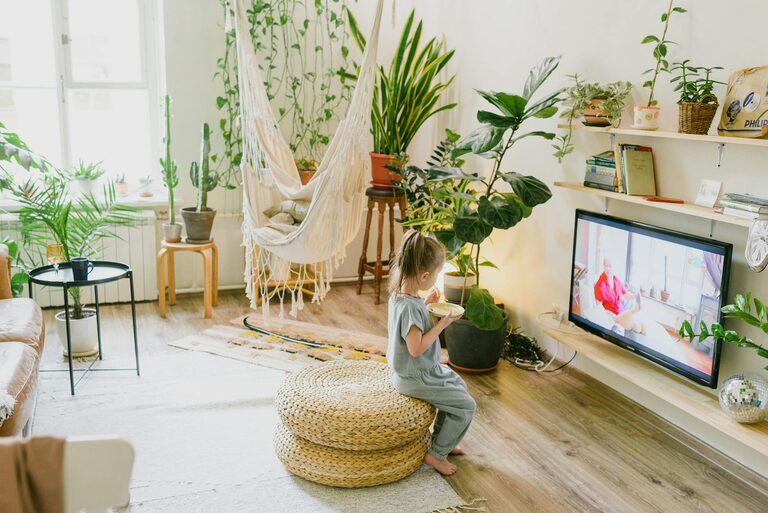
– Plants: Indoor plants improve air quality and add a calming element.
– Artwork: Pictures or posters that inspire you can boost creativity.
– Comfort Items: A cushion, throw blanket or a favourite mug can make your breaks more enjoyable.
However, avoid over-decorating, which can lead to distractions.
Maintaining Comfort Throughout the Day
Comfort extends beyond furniture. Consider these additional tips:
– Temperature Control: Keep your space at a comfortable temperature; use fans or heaters as needed.
– Hydration: Keep water nearby to stay hydrated.
– Breaks: Take regular short breaks to stretch and rest your eyes.
Adopting good habits supports your physical and mental well-being during work hours.
Using Technology to Enhance Productivity
Choose technology tools that help rather than hinder your workflow:
– Reliable Internet: A stable connection reduces interruptions.
– Productivity Apps: Use task managers or calendar apps to organise your workday.
– Noise Reduction: Software can block out background noise during video calls.
Keeping your devices updated and organised contributes to smoother work sessions.
Conclusion
Creating a comfortable and productive home workspace involves thoughtful planning and regular maintenance. By selecting a suitable location, investing in ergonomic furniture, optimising lighting, organising efficiently, and minimising distractions, you set the stage for effective working from home. Remember to personalise your space and maintain habits that support your overall well-being. With these tips, your home workspace can become a place where you feel comfortable, focused, and ready to tackle your tasks.